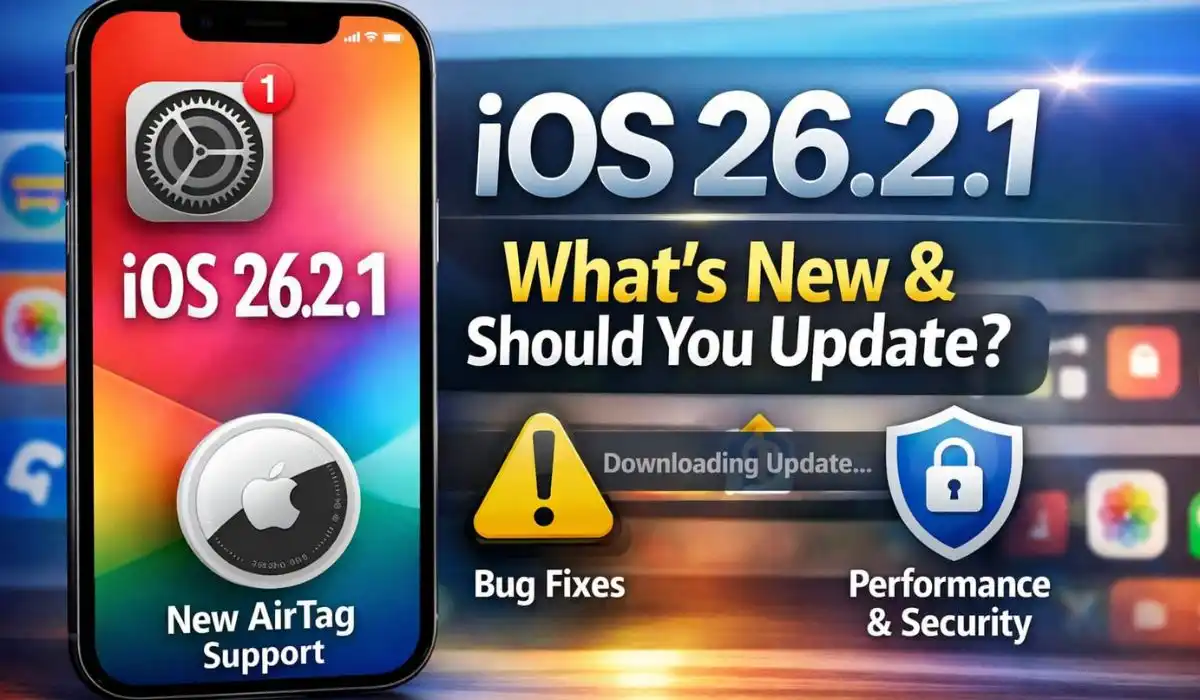
Apple has begun rolling out iOS 26.2.1, a follow-up to the December 2025 iOS 26.2 release, bringing new hardware support, general fixes, and ecosystem readiness changes for iPhone and Apple devices. The update is available now via Settings → General → Software Update and is recommended for all compatible iPhones. Corresponding updates for iPadOS and watchOS are also available.
What’s New in iOS 26.2.1
1. Support for Second‑Generation AirTags
One of the headline changes in iOS 26.2.1 is native support for Apple’s newly announced second‑generation AirTag. This enables:
- Improved Precision Finding with greater range and responsiveness
- Enhanced Bluetooth performance for more reliable item tracking
- A louder alert speaker on the new AirTag model
Apple also released a companion update, watchOS 26.2.1, expanding AirTag support directly on Apple Watch models with Precision Finding from the wrist.
2. Bug Fixes and Quality Improvements
While iOS 26.2.1 isn’t a major feature release, Apple’s official notes include:

- General bug fixes and system refinements
- Improvements to stability across iPhones and iPads running iOS 26.2
This minor update does not include large new security patches, so users should ensure iOS 26.2 is already installed to patch earlier vulnerabilities.
Why Apple Released 26.2.1 Instead of 26.3
Industry observers had expected iOS 26.3 as the next step, but Apple opted for the smaller 26.2.1 update first — a move typical when preparing devices for new hardware launches rather than adding sweeping software features.
Meanwhile, the iOS 26.3 beta cycle continues, introducing cross-platform features such as enhanced interoperability and broader accessory support ahead of its public release.
iOS 26.2 — Recap of Major Features
If you missed the earlier iOS 26.2 update, here’s what Apple brought in December:

- Alarms for Reminders: Optional audible alerts for urgent tasks
- AirDrop Security Codes: One-time verification codes for sharing with unknown contacts
- Liquid Glass Lock Screen Controls: More customisation for opacity and visuals
- Apple Music Offline Lyrics and enhanced playlists
- Enhanced Safety Alerts (in the US) with richer threat notifications
- Podcasts Enhancements including chapters and in-player links
- Other UI tweaks, accessibility improvements, and performance fixes
The update also included critical security patches, addressing high-risk WebKit and kernel vulnerabilities — a key reason users were urged to update quickly.
User Experiences & Early Feedback
Since iOS 26.2’s launch:
- Some users report keyboard and UI glitches under the new Liquid Glass design
- Others say the update feels more stable and responsive than earlier builds of iOS 26
- A subset of users on particular hardware note occasional battery variance and minor lag
Apple typically continues refining the OS through incremental 26.x updates, so further improvements are expected.
Expert Verdict
iOS 26.2.1 isn’t a “big” update feature-wise, but it is important — especially for users planning to use the second-generation AirTag or seeking smoother overall performance. Combined with the December iOS 26.2 release’s security fixes and usability upgrades, Apple’s latest software cadence balances functionality, ecosystem support, and device safety.

Tip: Always back up your device before installing system updates, and check for both iOS and watchOS versions to ensure full compatibility if you use Apple Watch or AirTag accessories.