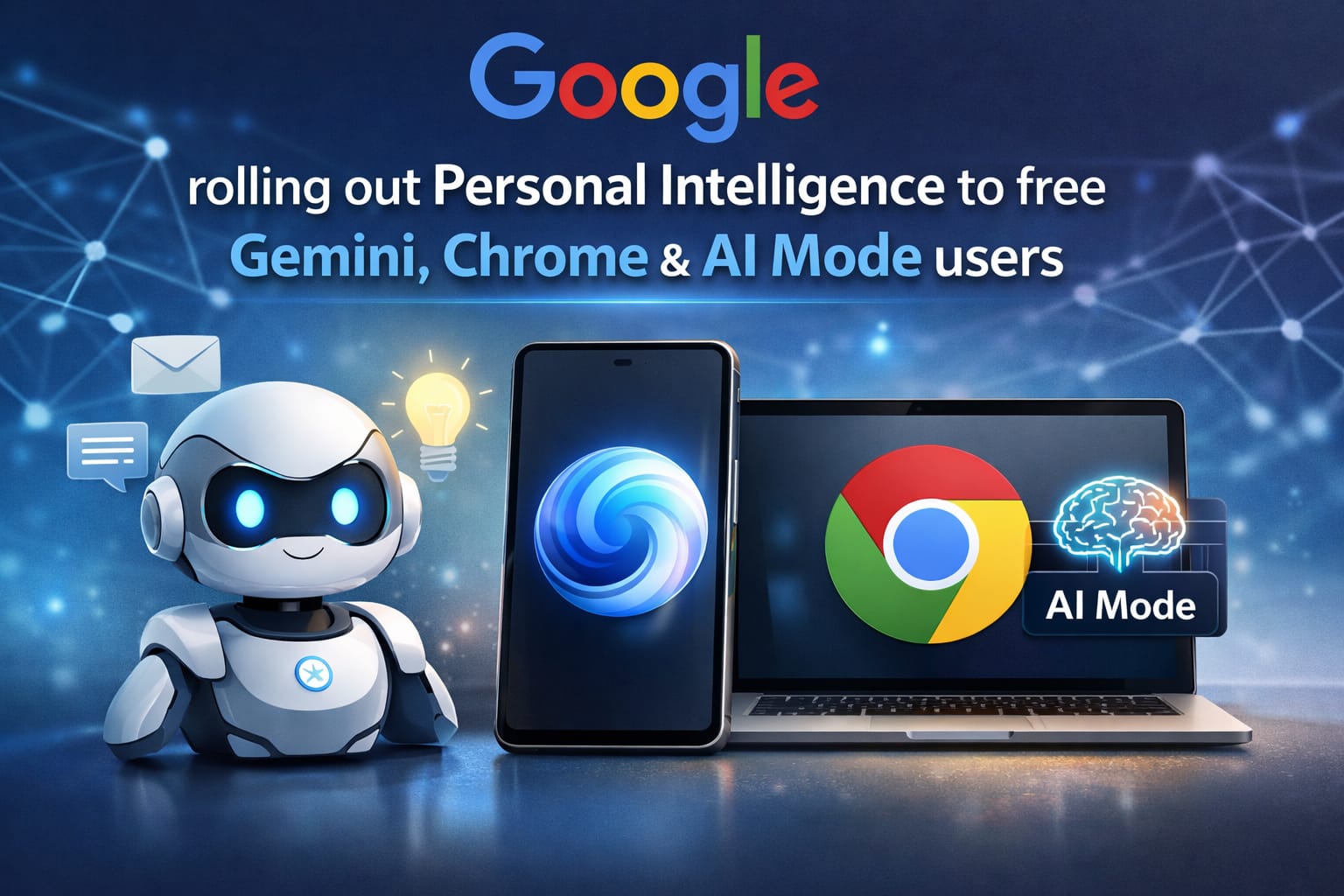
Get ready to supercharge your digital life! Google is officially rolling out its game-changing “Personal Intelligence” features to everyone, including free Gemini and Chrome users. No longer tucked behind a paywall, this update makes your AI feel like a true personal assistant that actually knows your schedule, style, and preferences.
Personal Intelligence: What’s New for Free Users?
The core of this update is the ability for Gemini to “connect the dots” across your Google ecosystem. Instead of you copy-pasting details from your emails into a chat, Gemini can now see them automatically—if you give it permission.
| Feature | How It Works |
| Smart Tech Support | Pulls device model numbers from digital receipts in your Gmail to fix tech issues. |
| Style Matching | Analyzes recent clothing purchases to suggest matching accessories or shoes. |
| Travel Planning | Builds itineraries using flight times from Gmail and terminal maps from Search. |
| Chrome Sidekick | A new toolbar icon that summarizes tabs and compares products in real-time. |
Privacy First: You Are in Control
Understandably, connecting an AI to your inbox raises privacy questions. Google has built this rollout with a “privacy-first” architecture to ensure users feel safe. The most important takeaway is that these features are not mandatory.
Note: Personal Intelligence is strictly opt-in. Google states they do not use your private Gmail or Photos content to train their global AI models.

| Privacy Control | User Action |
| Activation | Must be manually toggled “On” in Gemini settings. |
| App Choice | You pick which apps (Drive, Photos, Gmail) Gemini can see. |
| Account Type | Currently available for personal accounts only (no Workspace/Education). |
Enhancing the Browsing Experience
The integration into Google Chrome is perhaps the most practical part of this rollout. By clicking the Gemini star icon in your toolbar, the AI stays with you as you browse the web. This is particularly useful for complex tasks like comparing car insurance quotes or organizing a multi-city vacation.
Instead of jumping between tabs, the AI Mode stays active, pulling data from your open pages and your personal history simultaneously. It creates a unified experience where your browser doesn’t just show information—it understands it in the context of your specific needs.
How to Get Started Today
The rollout began on March 17, 2026, for users in the United States. If you haven’t seen the prompt yet, you can manually trigger the update by visiting your settings menu.
- Gemini App: Tap your profile icon >
Settings>Personal Intelligence. - Chrome Browser: Ensure you are on the latest version and look for the Gemini Star in the top-right.
- Google Search: Navigate to
Search Personalizationto toggle onConnected Content.
Conclusion
This massive update marks a new era for AI accessibility, proving that personalized assistance isn’t just for power users anymore. By bridging the gap between your data and your daily tasks, Google is making Gemini more intuitive and helpful. Update your settings today and experience a smarter, more connected web!