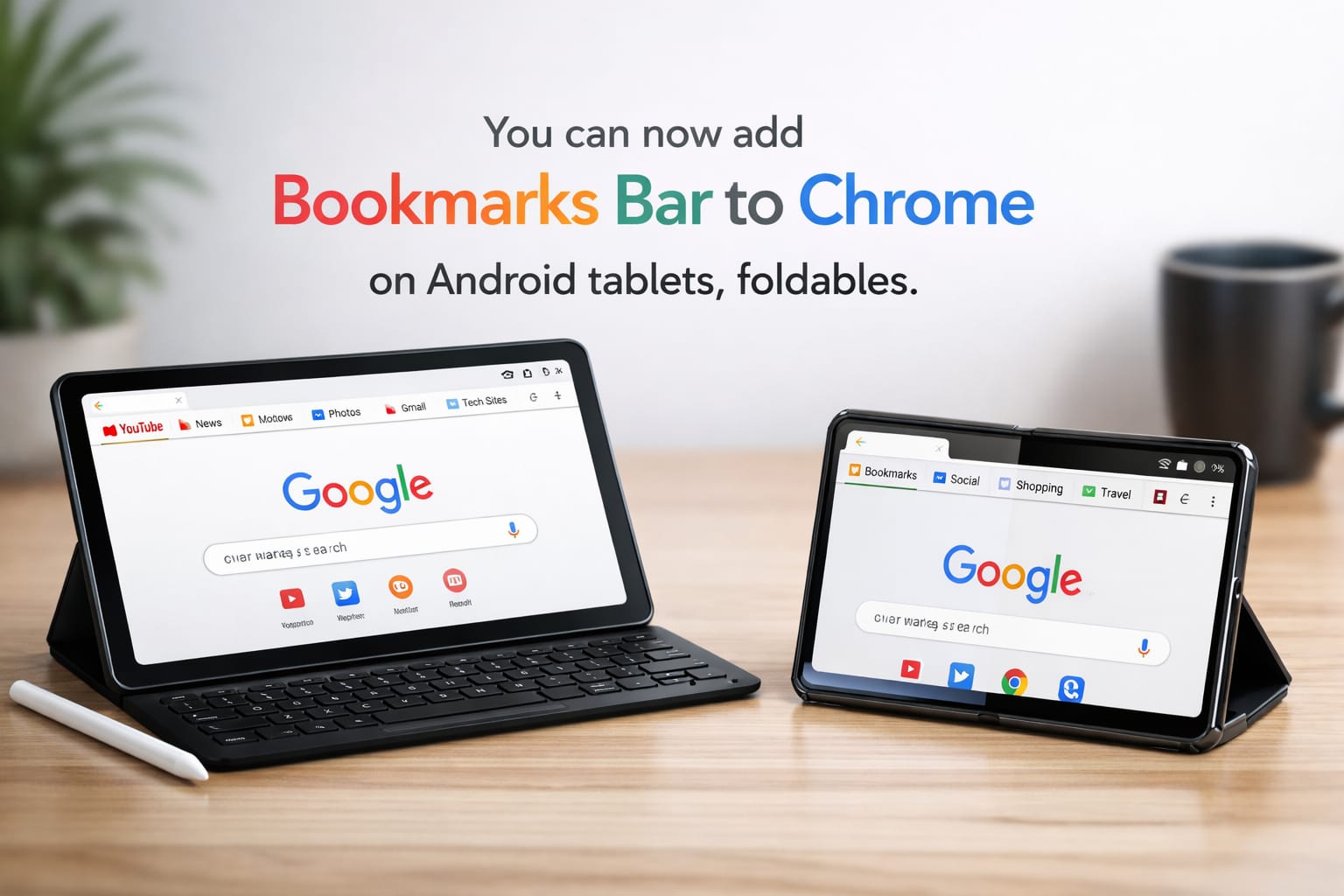
If you have ever felt that browsing on an Android tablet was just a “stretched-out phone experience,” this update is for you! Google is finally giving power users the desktop-style efficiency they deserve. Whether you are working on a tablet or a foldable, navigating your favorite sites just got significantly faster.
What’s New in Chrome 146?
The latest update introduces a dedicated horizontal strip for bookmarks. Located directly below the Omnibox (address bar), this bar mirrors the PC experience. It displays site names along with their favicons, making visual identification instant. For those with organized setups, your folders will also appear and can be toggled without leaving the main screen.
| Feature | Desktop Chrome | Chrome for Android (Tablets/Foldables) |
| Location | Below Address Bar | Below Omnibox |
| Visuals | Icons + Text | Icons + Text |
| Folders | Dropdown Support | Inline Dropdown Support |
| Activation | Ctrl+Shift+B | Settings > Appearance |
How to Enable the Bookmarks Bar
Since the feature is disabled by default to keep the interface clean, you will need to head into your settings to switch it on. Follow these simple steps to transform your browser layout:
- Open Google Chrome on your tablet or foldable.
- Tap the Three-Dot Menu in the top right corner.
- Select Settings and scroll down to Appearance.
- Toggle the switch for Show bookmarks bar.
Pro Tip: If you don’t see the “Appearance” option yet, go to your device’s app settings and Force Stop Chrome. This often triggers the new UI components to load after an update.

Smart Navigation for Larger Screens
Google has added several “quality of life” tweaks to ensure the bar doesn’t feel cluttered. If your list of saved sites exceeds the screen width, a small chevron (arrow) appears on the right, allowing you to scroll through the overflow. Additionally, users with external keyboards can use the classic Ctrl + Shift + B shortcut to hide or show the bar instantly.
| Shortcut/Action | Result |
| Long-Press Bookmark | Reveals the full site URL |
| Tap Chevron (Arrow) | View hidden/overflow bookmarks |
| Ctrl + Shift + B | Toggle bar visibility (with keyboard) |
| Tap Folder | Opens a list of links in a dropdown |
Availability and Device Compatibility
It is important to note that this feature is strictly for large-format displays. Users on standard smartphones or “clamshell” foldables (like the Galaxy Z Flip series) will not find this option in their settings. Google’s goal is to maximize vertical space on smaller screens while utilizing the extra width available on professional-grade tablets and large foldables.
In conclusion, this update marks a major milestone in making Android tablets true productivity machines. By bringing over the bookmarks bar, Google has simplified the browsing workflow for millions of users worldwide. Update your app today to version 146 and experience a more seamless, desktop-like web experience on your mobile device!